Integration
GrowthBook
A heatmap for every variant of your GrowthBook experiments, next to GrowthBook's own results.
Every variant captured
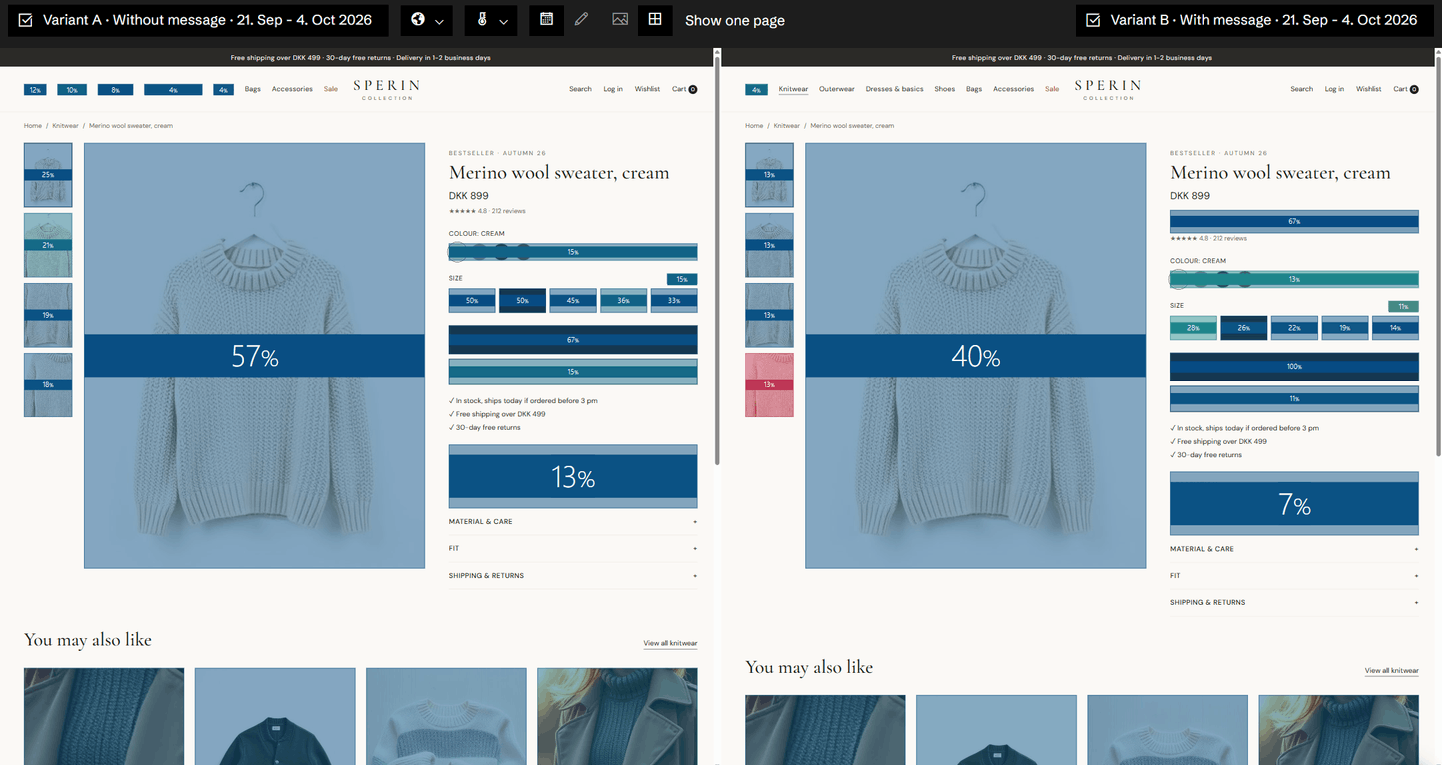
Historian captures each variant of your experiments as its own version of the page, and knows which visitors saw which variant. So every variant gets its own heatmap.
Why the winner won
Open the variants' heatmaps side by side and see the most clicked elements per variant, next to the results GrowthBook reports. You see not only which variant won, but what visitors did differently.
Connected with a read-only key
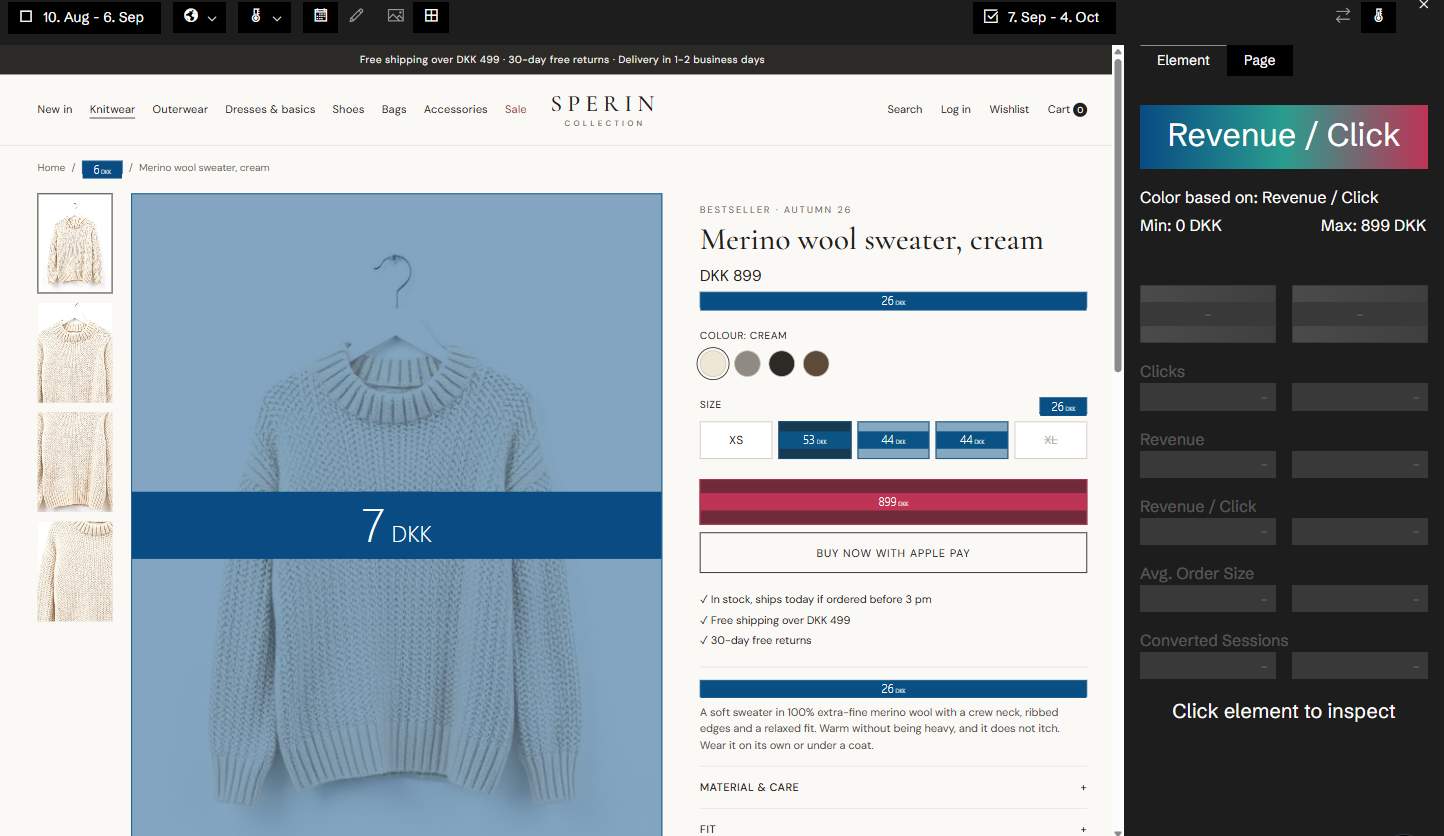
The connection uses a read-only GrowthBook API key. We switch GrowthBook on for your site, and you paste the key on the Experiments page.
Related features
All features →Experiment heatmaps
A heatmap for every variant of your GrowthBook experiments, and two variants side by side.
Heatmap
The most capable heatmaps in e-commerce. Every click is tied to the element that was clicked, the version of the page it was on, and the conversions, revenue and products that followed.
Version comparison
Put two periods or two versions of a page side by side, each with its own heatmap and its own numbers.
Stop guessing why revenue dropped.
Book a demo and we'll show you what Historian finds on your own store.