Products
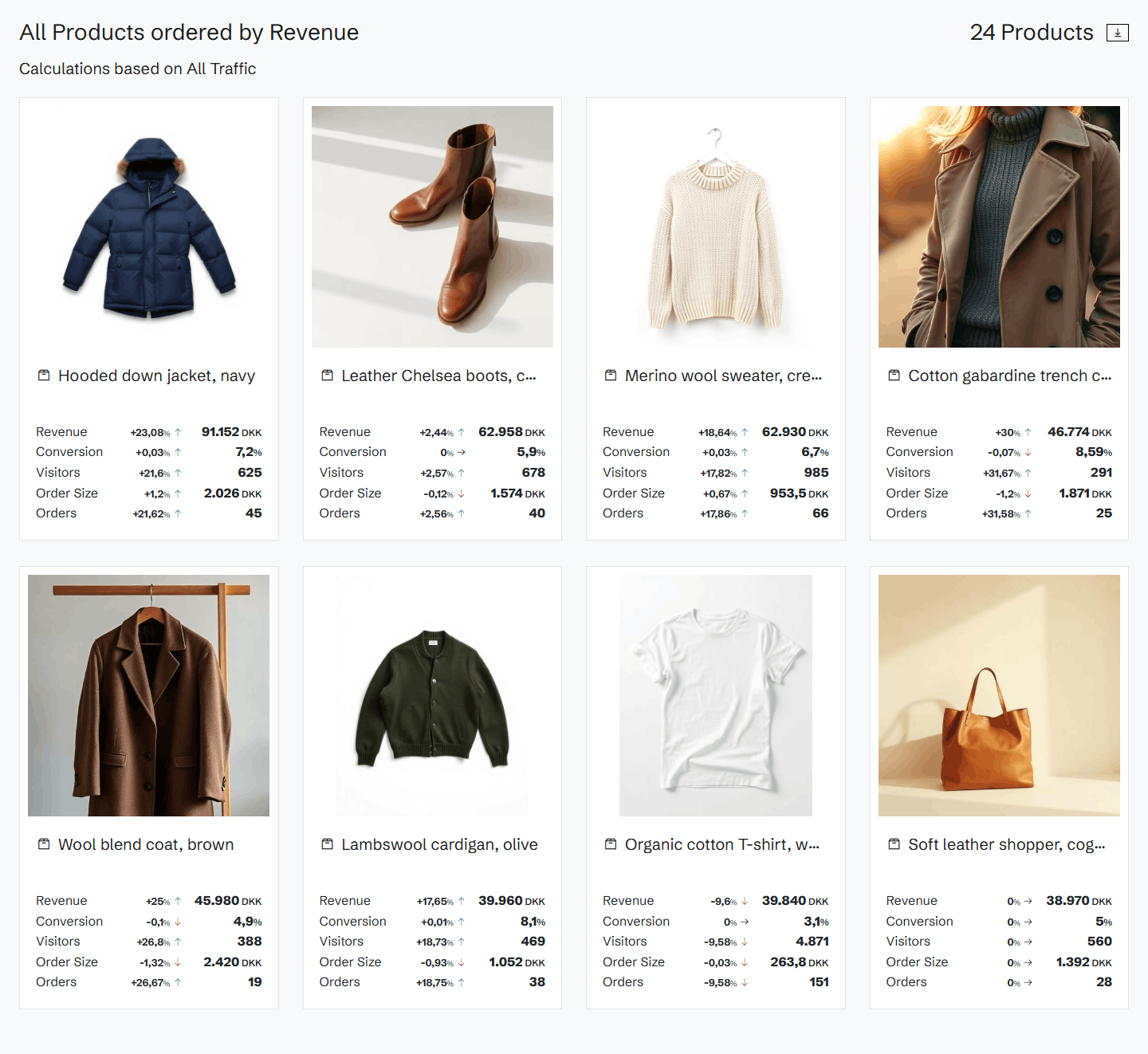
Revenue, quantity sold, visitors and orders for every product, against a benchmark, with each product's price and availability as it was captured.
Every product, measured
Products lists every product with its revenue, conversion, visitors and orders against a benchmark period. Sort by any metric, by change, or by opportunity, and filter by tag or by a minimum of revenue, visitors or orders.
One product in depth
A product's own page shows its revenue, quantity sold, visitors and orders against the benchmark, a day-by-day chart, and where the product ranks among all your products by revenue, quantity sold and visitors. Its tags are one click away.
Price and availability, version by version
Historian captures your product pages, so each product keeps its history. Step through its versions and see the price, the main category and each variant's availability (in stock, back order or not in stock) as they were on the day of each capture.
Agents that watch your products
Product agents work on the same data: they find rising stars and declining products, look at what price changes did, and point at products that are out of stock while visitors still look for them.
Related agents
All agents →Out-of-Stock Revenue Impact Estimator
Puts a number on the revenue being lost to stockouts
Price Change Impact Detector
Detects products where performance shifted sharply and correlates changes with pricing movements to identify pricing wins and mistakes.
Rising Stars Detector
Identifies products and tags experiencing rapid growth to recommend investment — increased promotion, ad spend, frontpage featuring, and stock preparation.
Product Page Conversion Booster
Finds high-traffic product pages quietly leaking revenue
Related features
All features →Tags
Group your pages by what the pages themselves say, such as category, brand or badge, and see the revenue and conversion of each group against a benchmark.
Click products
See which products were bought by the visitors who clicked an element.
Explain
When a number moves, Explain breaks the movement down by products, traffic sources and devices, so you see what drove it.
Stop guessing why revenue dropped.
Book a demo and we'll show you what Historian finds on your own store.