Heatmap
The most capable heatmaps in e-commerce. Every click is tied to the element that was clicked, the version of the page it was on, and the conversions, revenue and products that followed.
A heatmap that knows what a click is worth
A click map shows where visitors click. Historian's heatmap shows what those clicks are worth. Each element on the page is coloured by the metric you pick: clicks and click share, but also conversion, revenue, converted sessions, order size and revenue per click.
So the question is no longer "do people click the banner?" but "do the people who click the banner buy?" — and how much.
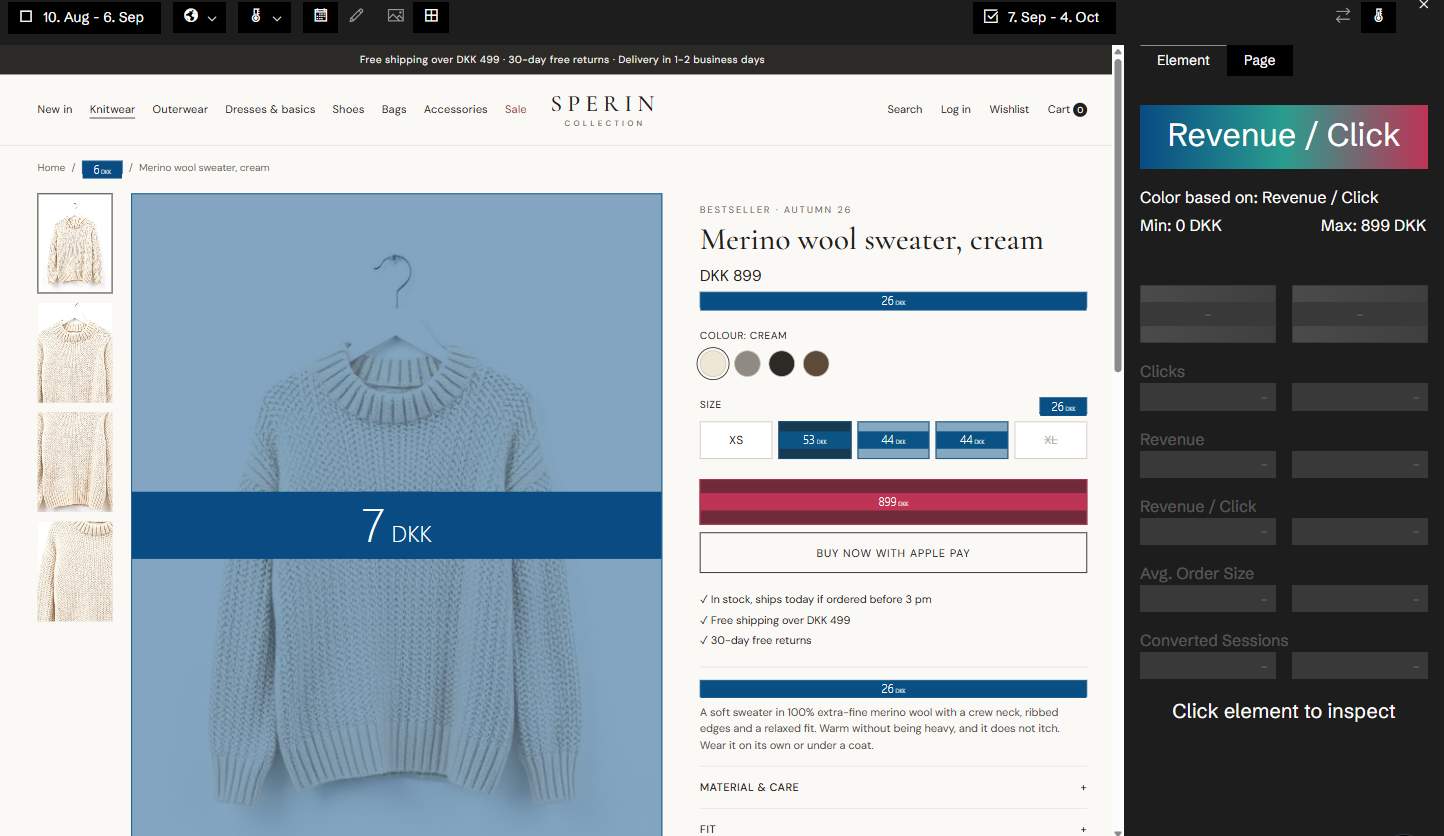
Clicks belong to elements, not coordinates
Historian's tracking records which element was clicked, not where the mouse was. Clicks are stored per element on each version of the page, and the heatmap is drawn on the page itself, as it was captured.
That is what makes the rest possible: an element can be followed across the versions of a page, added up across every page built from the same template, and traced to the products that were bought after it was clicked.
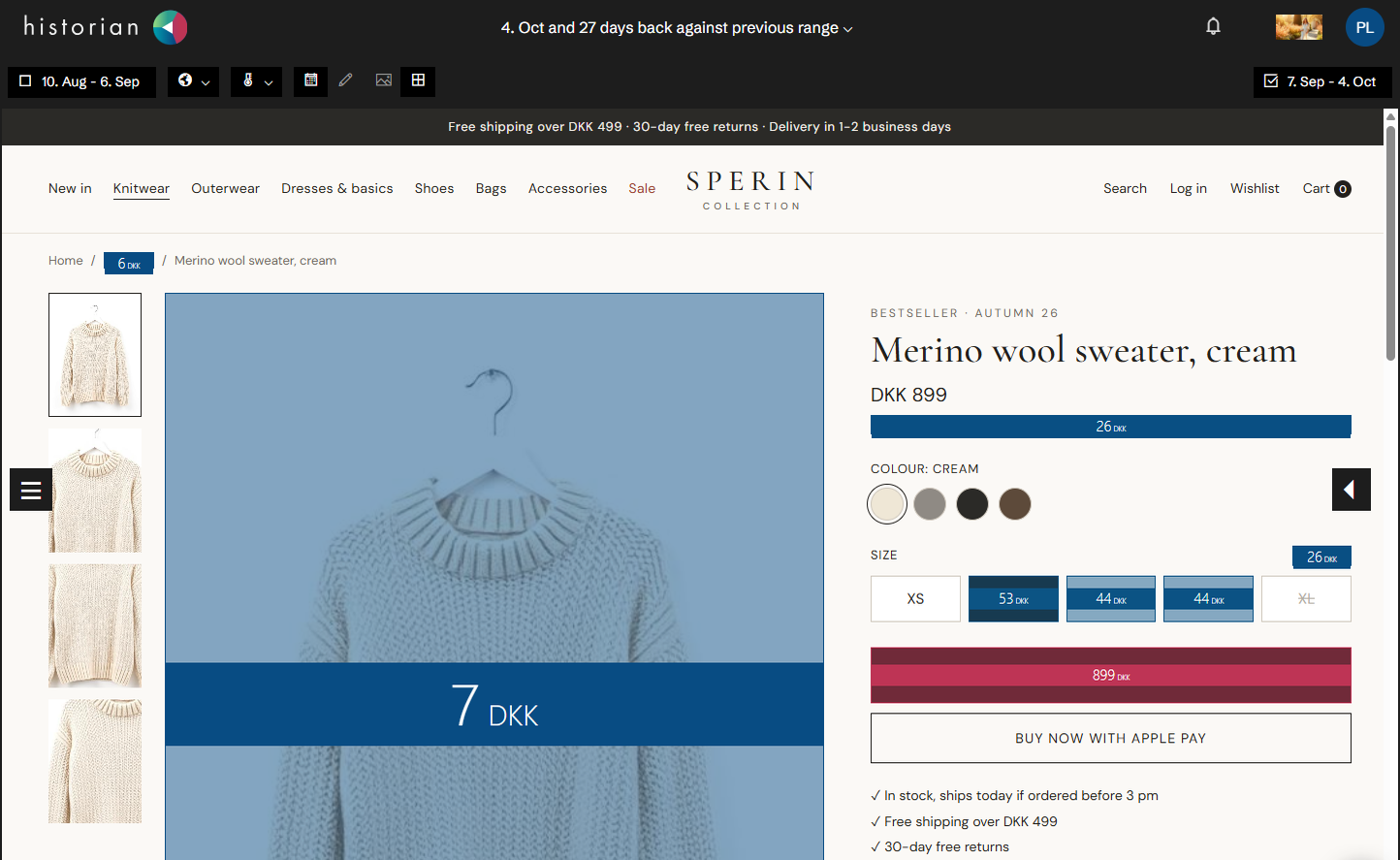
Every version of the page, with its own heatmap
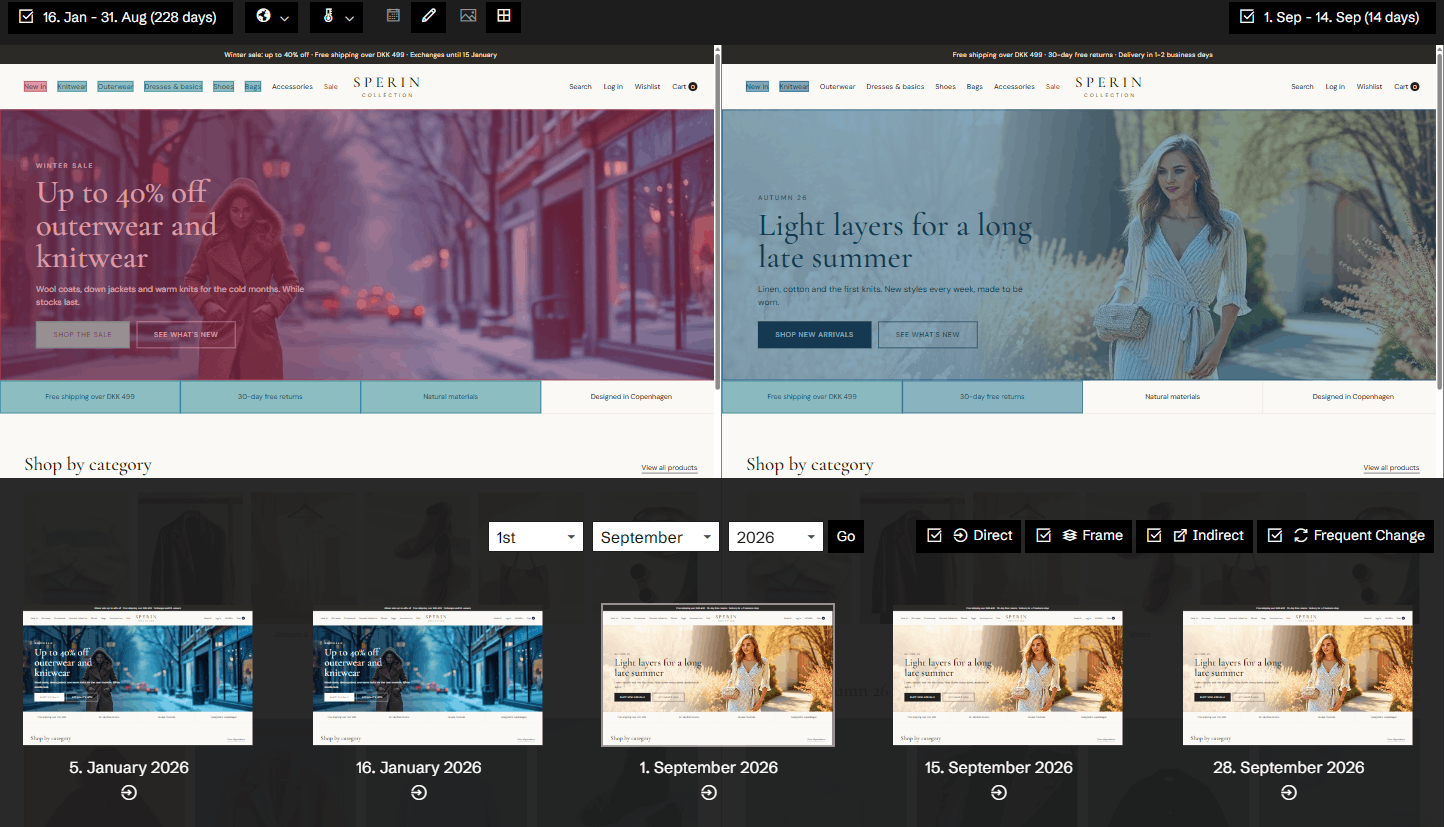
Historian captures your pages as they change. The Time Machine lets you open any version of a page with the heatmap for exactly that version, and compare it with the version before it.
A heatmap that blends last month's layout with this week's is a heatmap of a page that never existed. Historian tells you when a date range covers more than one version, and lets you inspect each change on its own.
The whole toolbox, in one view
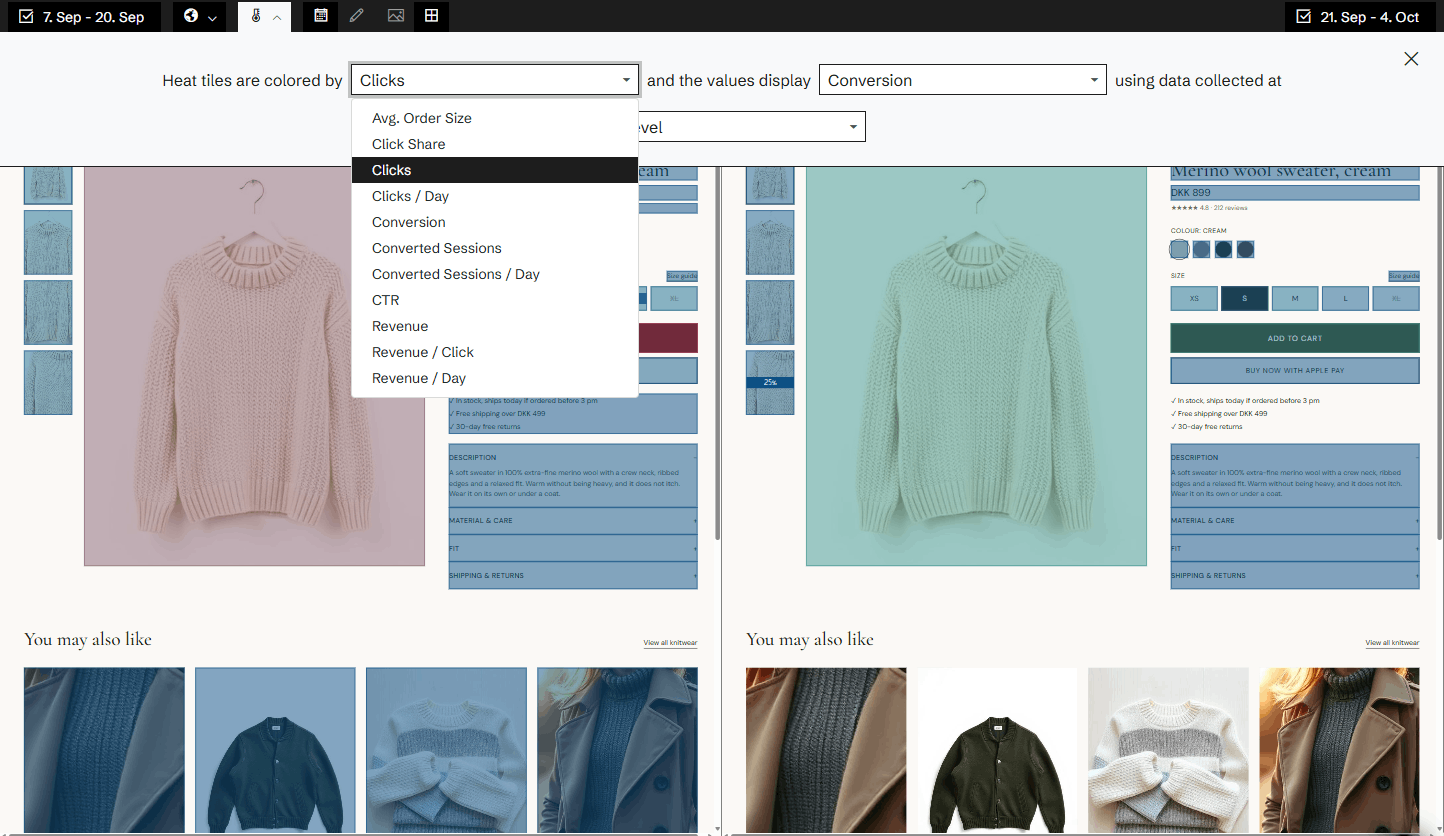
Eleven metrics. Page, template and site level. A day-by-day drill-down for every element, with the dates it changed marked on the chart. The products bought after a click, and the pages visitors went to next. Filters for device and traffic source. Two date ranges side by side. A heatmap for every variant of a GrowthBook experiment.
Each of them has its own page below.
Everything in Heatmap
Time Machine
Go back to any version of a page, with the heatmap for exactly that version and a written summary of what changed.
Version comparison
Put two periods or two versions of a page side by side, each with its own heatmap and its own numbers.
Revenue per click
Colour the page by what a click on each element brings in, not by how often it is clicked.
Click products
See which products were bought by the visitors who clicked an element.
Click transitions
See which pages visitors went to after they clicked an element, and what those visits were worth.
Template heatmaps
Add up the same element across every page built from one template, and see where it works and where it doesn't.
Element drill-down
Click any element on the heatmap and follow its numbers day by day, with the days it changed marked on the chart.
Heatmap metrics
Eleven metrics for every element on the page, from clicks to revenue per click. Colour by one and show the numbers of another.
Mobile vs. desktop
See the heatmap for mobile visitors and for desktop visitors, and how the same page works on each.
Traffic segments
Filter the heatmap by where the visitors came from, and see how each channel uses the page.
Experiment heatmaps
A heatmap for every variant of your GrowthBook experiments, and two variants side by side.
Related agents
All agents →Hero Banner Revenue Optimizer
Tracks whether the hero is earning its place — the most expensive pixel on the site
CTA Optimisation Advisor
Surfaces every underperforming call-to-action with a concrete improvement brief
Mobile UX Gap Agent
Finds every UX element that works on desktop but fails on mobile
Template-Wide Fix Advisor
Identifies issues affecting entire page types — one fix, hundreds of pages improved
Bad Change Detector
Detects whether any page changes correlate with performance drops
Related features
All features →History and change detection
See your site exactly as it looked on any day since Historian started capturing it, with that day's numbers and the events around it.
Products
Revenue, quantity sold, visitors and orders for every product, against a benchmark, with each product's price and availability as it was captured.
Pages
Every page on your site with its revenue, conversion, visitors and orders against a benchmark, sorted by where the opportunity is biggest.
Traffic Sources
See which channels actually make money, not just which ones send traffic.
Stop guessing why revenue dropped.
Book a demo and we'll show you what Historian finds on your own store.