Chronicle Capture
Every day Historian captures your site as your visitors saw it: the page, its screenshot and every element on it, kept as a record you can go back to.
A daily capture of your site
Every day Historian visits your site and captures its pages: the full page and a screenshot of it, for each device type you track. The captures are stored, so any day you have had Historian on your site can be opened again later.
The pages that matter most are captured first: your favourite pages, the most visited pages, and the pages and products that bring in the most revenue. Part of every day's capture is kept for pages that have never been captured before, so the record keeps growing.
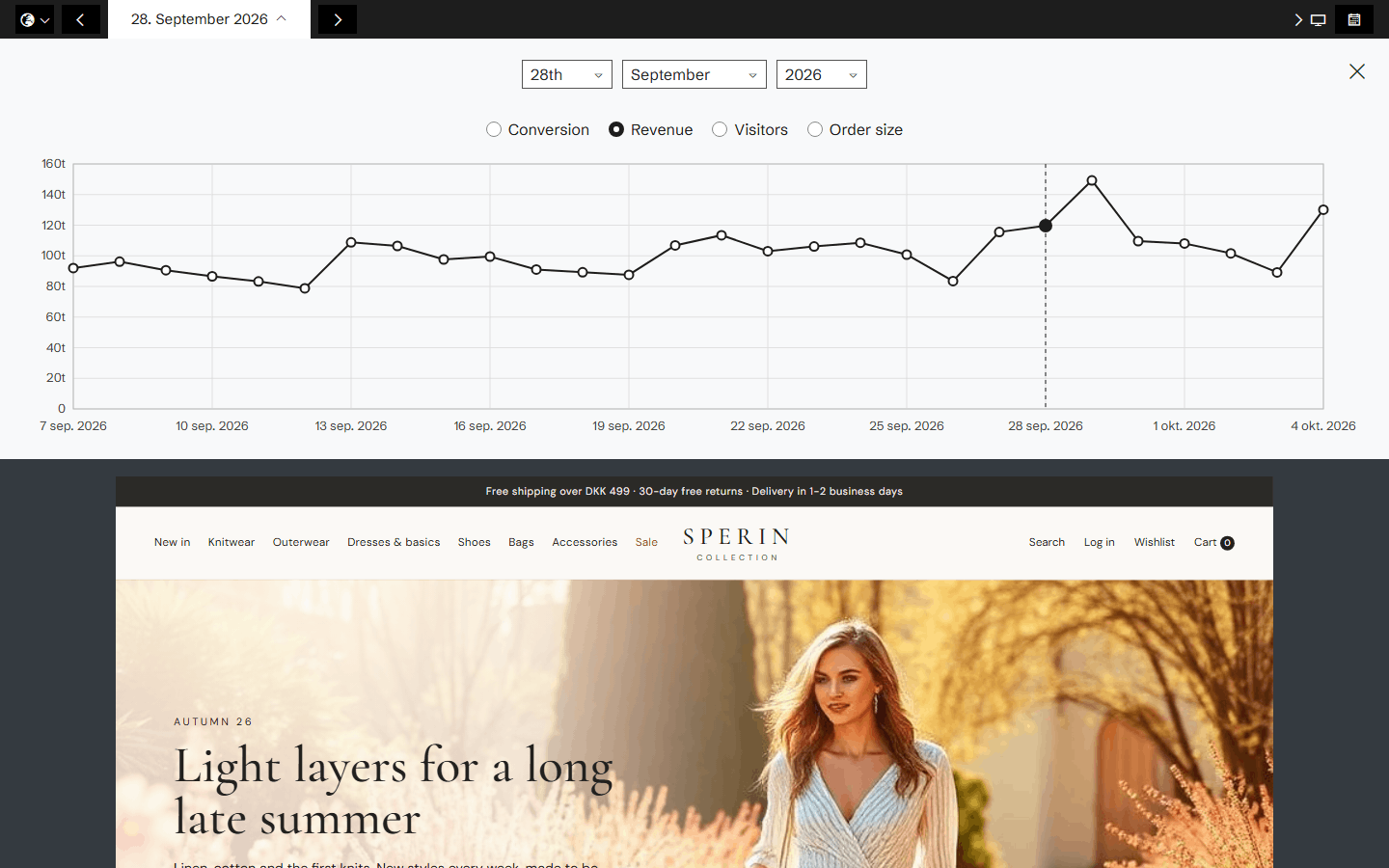
Every change, found for you
Each capture is compared with the one before it, element by element. Historian finds changed text, a new image or video, changed styling, a carousel with new slides, elements that were added or removed, and pages that were created, deleted or redirected.
Changes are sorted by kind: direct changes made on the page itself, indirect changes caused by another page (such as a product price that changed elsewhere), frequently changing content, and dynamic content.
Products, as they were
On product pages Historian also reads the product itself: its price, name, image, variants and availability. Every capture keeps that day's version, so you can step back through how a product looked and what it cost.

Your competitors too
The frontpages of the competitors you track are captured every day as well, so their campaigns and changes sit in the same record as yours.
The ground truth for everything else
The heatmaps, the Time Machine, History and the AI agents all work on this record. When an agent says a change hurt conversion, the change it points at is a captured version of your page that you can open and look at yourself.
Related agents
All agents →Related features
All features →History and change detection
See your site exactly as it looked on any day since Historian started capturing it, with that day's numbers and the events around it.
Time Machine
Go back to any version of a page, with the heatmap for exactly that version and a written summary of what changed.
Version comparison
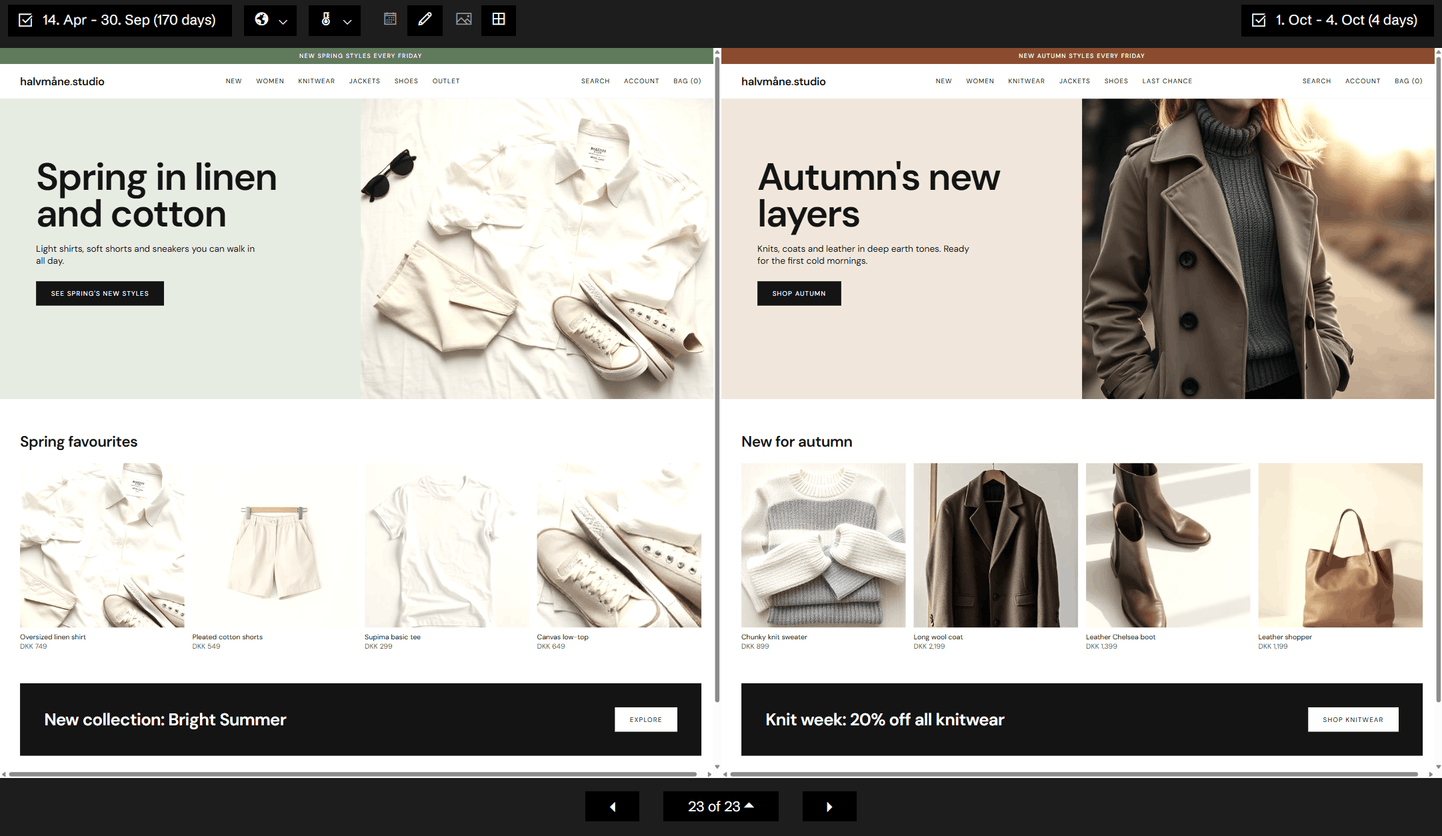
Put two periods or two versions of a page side by side, each with its own heatmap and its own numbers.
Competitors
Historian captures your competitors' frontpages every day, so their campaigns and changes sit next to your own site's history.
Stop guessing why revenue dropped.
Book a demo and we'll show you what Historian finds on your own store.