How it works
From the tracking script to the daily capture, the agents and the insights: what happens when you start with Historian.
1. Add the tracking script
Historian's tracking script goes on your store, through Shopify or Google Tag Manager. We have a step-by-step guide for both: one tag for page views and one for your purchase event. It is usually live within a day.
From then on, the script records sessions, page views, clicks and orders. It never records what visitors type into a field.
2. We set up the daily capture
Together with you, we set up which pages Historian captures: your page templates, the URLs your visitors use, and the competitors you want to follow. We handle cookie pop-ups and map your templates, so a product page is known as a product page.
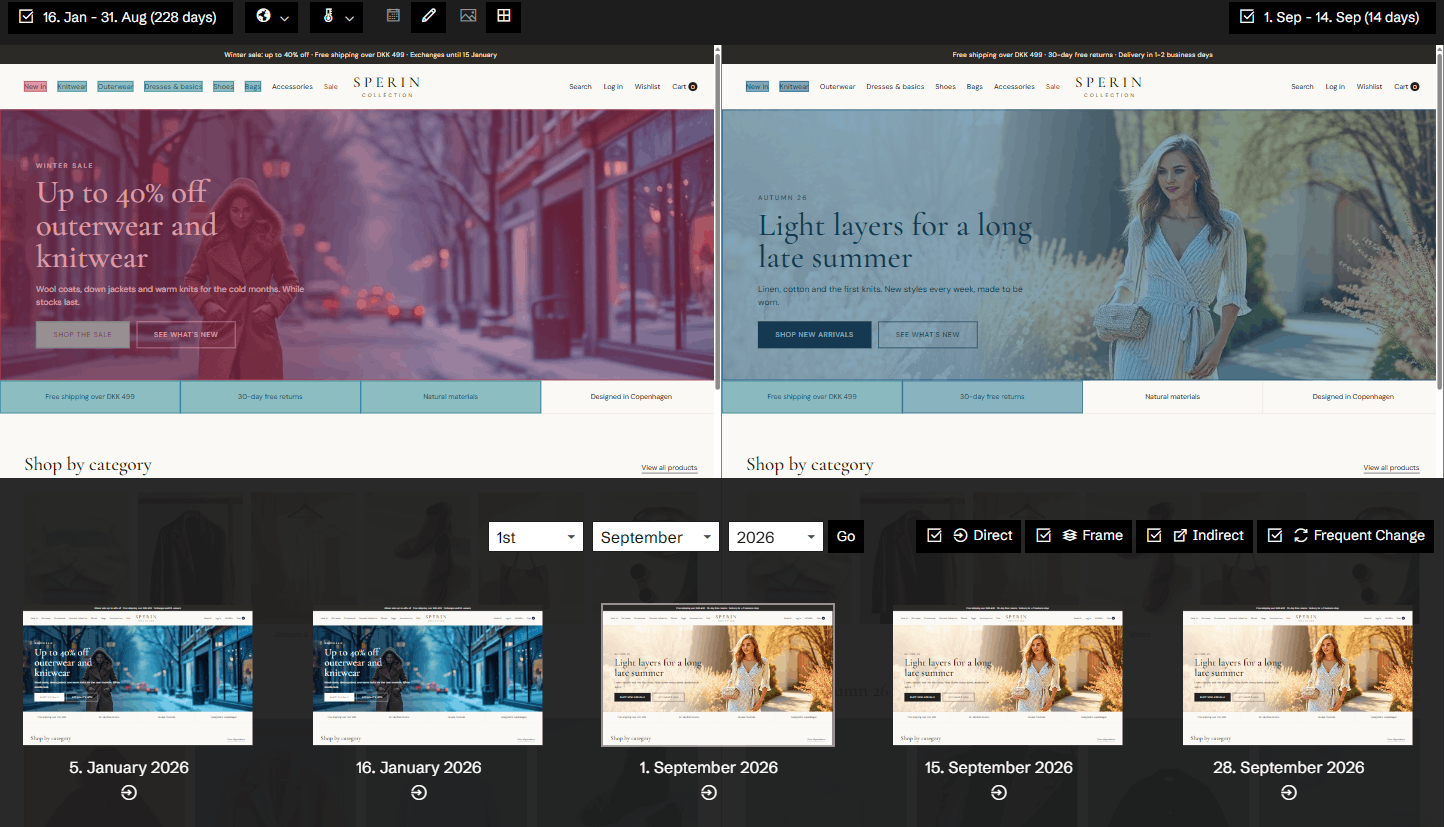
Every night, Chronicle Capture visits your pages with a real browser and keeps a full copy of each one. When something changed since yesterday, Historian knows what, where and when.
3. Connect what you use
Connect Google Ads and Meta Ads to see your campaigns and their changes next to the pages they lead to. Connect Google Merchant Center, Slack and GrowthBook. Newsletter analysis, in beta, is switched on by us. Each connection uses the provider's own login.
4. The agents get to work
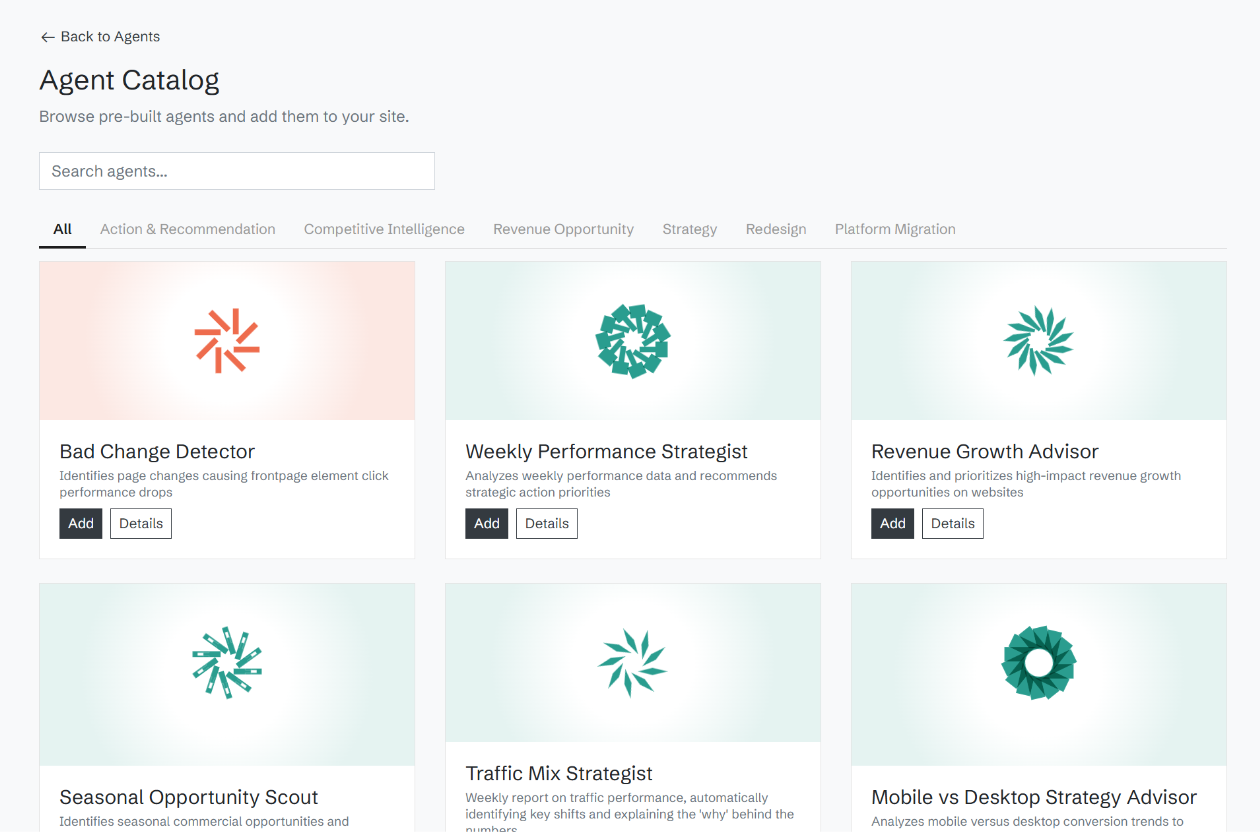
Pick agents from the catalog and choose how often each one runs: daily, weekly, every other week or monthly. Each agent reads the numbers, the page history, your ads and your competitors, and writes up what it finds as an insight, with a confidence level and an estimated revenue impact.
5. Insights come to you
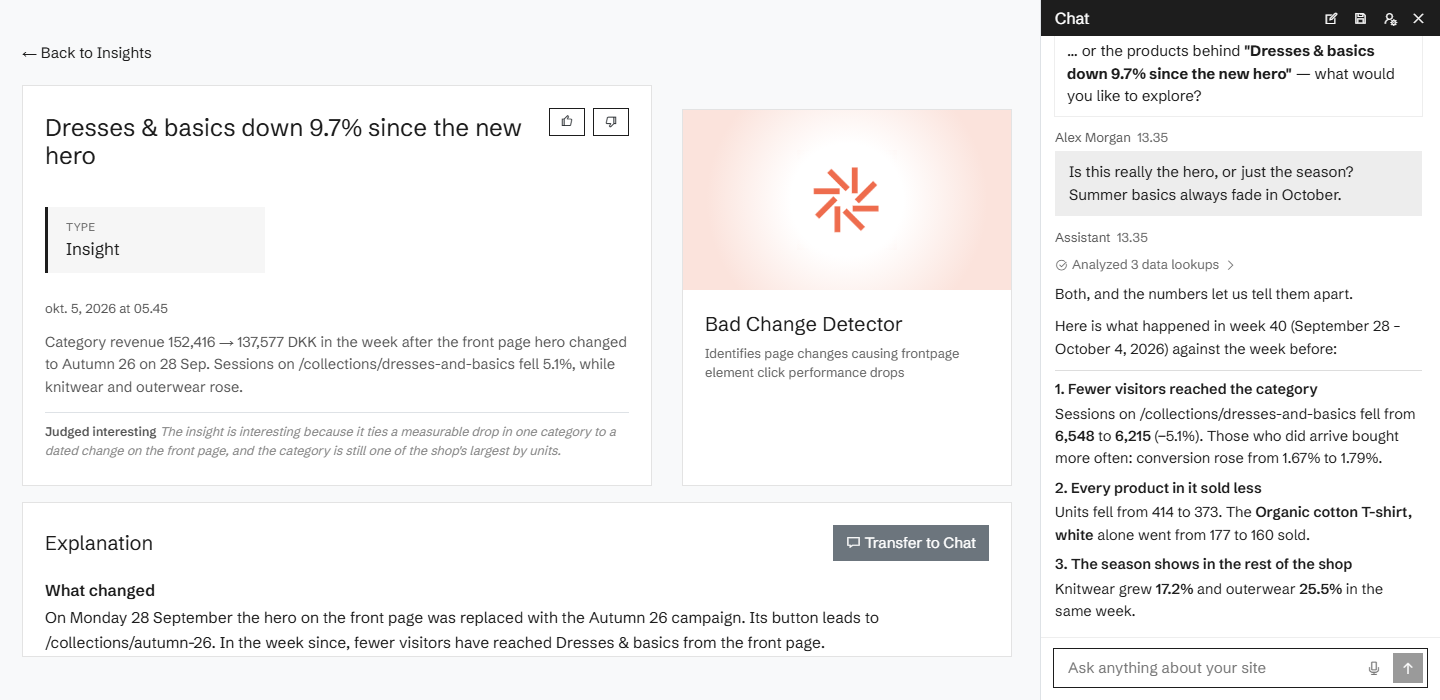
Insights land in the app, in your inbox and in Slack, in English, Danish, Norwegian or Swedish. Each one carries the evidence: the numbers, the page as it looked, and the change behind it. If you disagree, open the insight in a chat and challenge it.
A few days after the start, we go through the first findings with you.
Related features
All features →Chronicle Capture
Every day Historian captures your site as your visitors saw it: the page, its screenshot and every element on it, kept as a record you can go back to.
AI agents
Agents that watch your site's data on a schedule and bring you insights: pick them from the catalog, or describe your own.
Insights
Every finding from your agents as an insight, with its confidence, its estimated revenue impact and the evidence behind it.
Weekly summary
Once switched on for your site, one email every Monday morning with how your site did last week and the insights your agents found.
Stop guessing why revenue dropped.
Book a demo and we'll show you what Historian finds on your own store.